


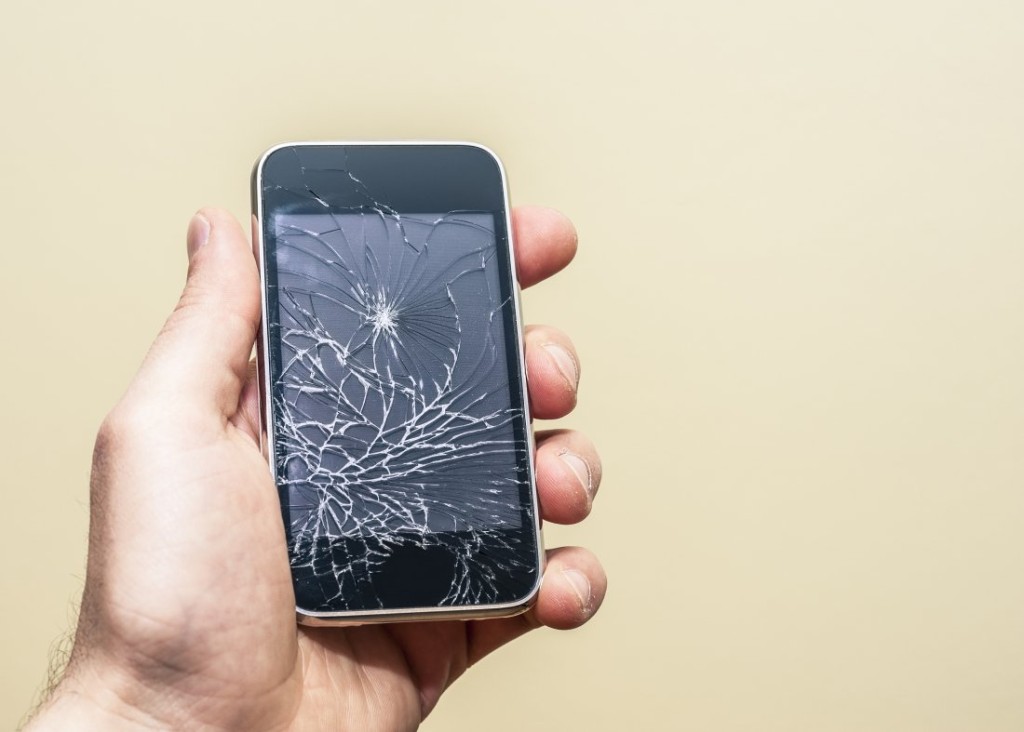
Fast, Affordable Smartphone and Tablet Repair
Because accidents happen
 We fix any device with any damage
Save $100s by repairing instead of buying new
Most repairs are done in 5 days or less
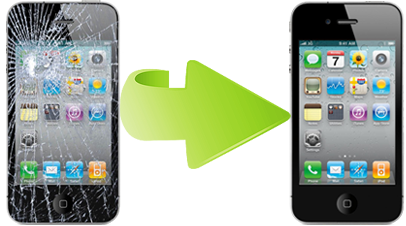
We’ve serviced more than 100,000 devices.
We can fix yours, too.

Transparent Pricing
Simply start by filling out our EZ Repair Form. We’ll get you an estimate. All prices include parts and labor. There are no up front fees, no surcharges, and no surprises later!

Fast Turnaround
If the part your device needs is in stock, we will have your repair done within 2 business days. If parts need to be ordered, we will advise you on when your repair can be completed.

Yes, We Really Can Fix Water Damage
95% of the time, we can fix water phones and tablets even if they’ve been dropped in water. If your device is non-repairable, we’ll charge you a $5 assessment fee and release the rest of your payment back to your card.

Quality First
Every device we see gets the individualized attention it deserves. Your repair will be completed in a reasonable time frame with the strictest attention to detail.
How It Works
Our goal is to make you one of our many happy customers by repairing your device quickly for a fair price.
ESTIMATE
Fill out the quick form to the right, describe your phone make and model, and damage it sustained.

SHIP IT
We will provide you with shipping label. Once you print it, package your phone and send it to us.

GET YOUR DEVICE
Once you agree to the estimate, we will fix your device, cracked screen and water damage included. Next it is shipped back to you, as good as new!
Chances are we’ve all gone through it at some point or another — we lose our grip on our cell phone and watch it tumble into a sink full of water or a toilet, crack the screen on the pavement or tile floor, or a variety of other kinds of damage. If your phone is brand new, typically there’s no problem — just send it in and let your warranty cover the repair or replacement. If your phone is slightly older, though, or your warranty has already expired, that’s when trouble sets in.
You may not be able to afford a new cell phone right now, or maybe you really liked your phone and just don’t want to have to get a new model. Cell phone service providers aren’t responsible for repairs and will tell you to contact the manufacturer directly. Unfortunately, cell phone manufacturers often won’t agree to do repairs either, leaving many consumers in a difficult spot and without a way to connect with others.
Independent Repairs for Out-Of-Warranty Phones
At Out of Warranty, we have acknowledged the need for cell phone repair on iPhones and phones that aren’t ready to be tossed out just yet, but that need repairs to function properly. We can handle the following:
Water damage
Electrical problems
Charging port repair
Headphone jack repair
We can even obtain replacement parts for your phone. In many instances, we can also handle repairing tablets, laptops, and other electronics. Don’t throw that phone away—repair it instead! Contact us at 845-363-6459 for more assistance or to find a repair center near you.